Forms
Actions
Alerts
Associated Items
Connected Lookup
Print
Import
Signature
External Data Lookup
Calendar
Rollups
Charts
Counters
List Search
Filters
Item IDs
Color Choice
User Property
Document Link
Voting
Stay in the know
Get helpful videos
Combine SharePoint lists, Exchange calendars, and databases in one color-coded calendar: eight views from daily to yearly, plus Gantt.

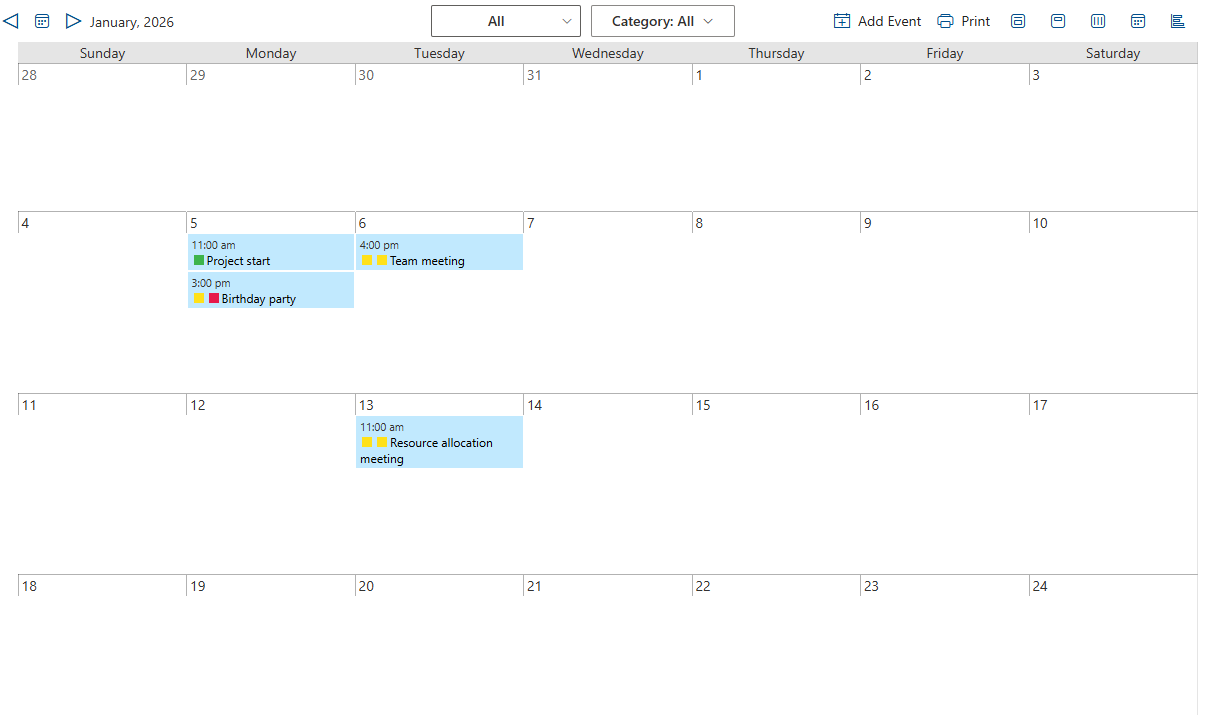
Ultimate Forms: Calendar displays events from multiple sources on a single color-coded SharePoint calendar: any SharePoint list, Exchange calendars, and external databases, overlaid in one view. Choose from eight view types, from daily to compact, quarterly, and full-year, plus an integrated Gantt view, with events colored by source, category, or status. It is configured in the browser, placed on any page, and requires no code.
If your team currently checks three calendars and a spreadsheet to answer "what is happening next month," this replaces all four.
The calendar modern SharePoint forgot
Scheduling data is scattered by nature: leave requests in one list, project deadlines in another, bookings in a third, and team availability in Exchange. Native SharePoint gives you narrow overlays with limited color control and nothing beyond the monthly grid, and the modern experience made even that thinner. So teams export, screenshot, and maintain the one calendar that matters by hand.Calendar consolidates instead. Every source keeps its data where it belongs; the calendar brings the view together.
What Calendar can do
Overlay everything that has a date
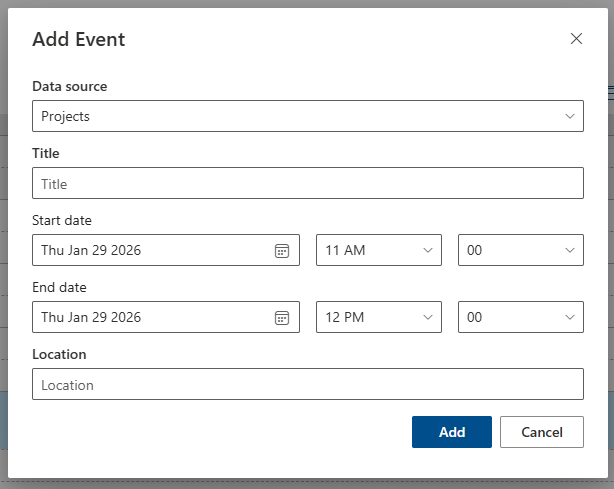
Connect multiple heterogeneous sources to one calendar: any SharePoint list type on any site, private and public Exchange calendars (including older Exchange versions), and custom databases through ODBC. There is no artificial cap on what one view can combine, and new events can be created directly into any connected source without leaving the calendar.Make status visible in color
Color events by data source, category, or status, with the color filling the entire event or appearing as an icon beside it. Vacations green, deadlines red, bookings by room: the classification your team already thinks in becomes visible at a glance, the same way color coding works across your lists.See the day or see the year
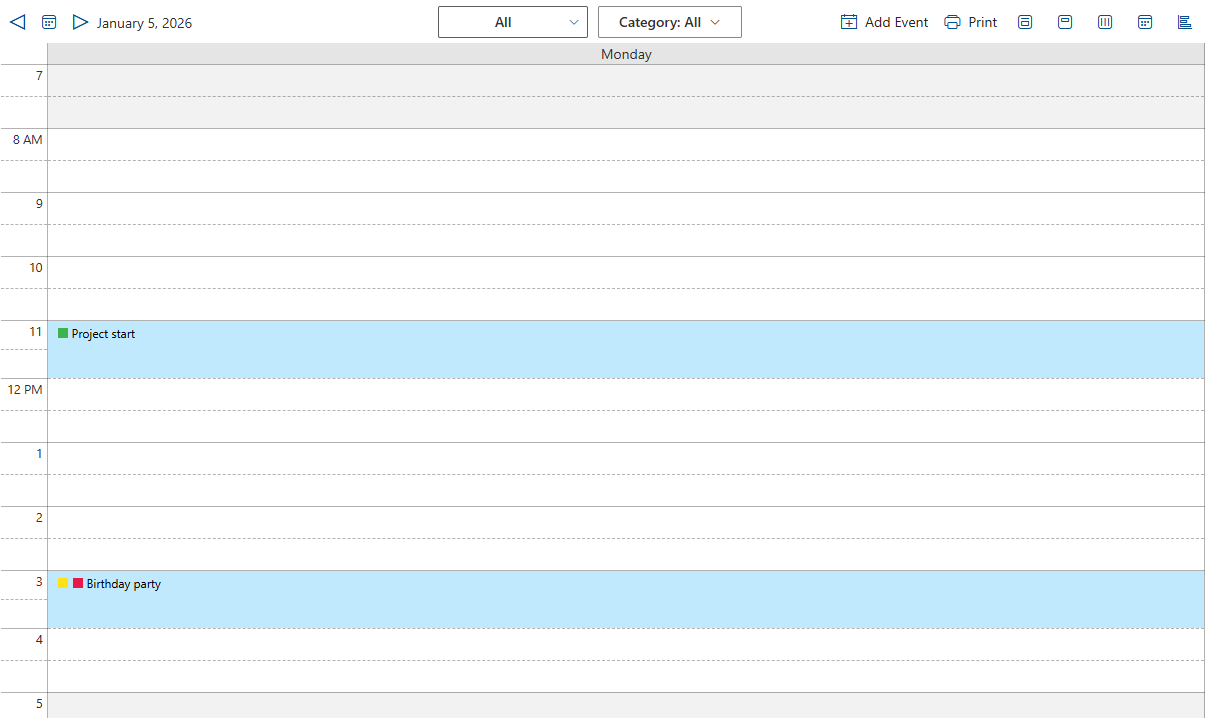
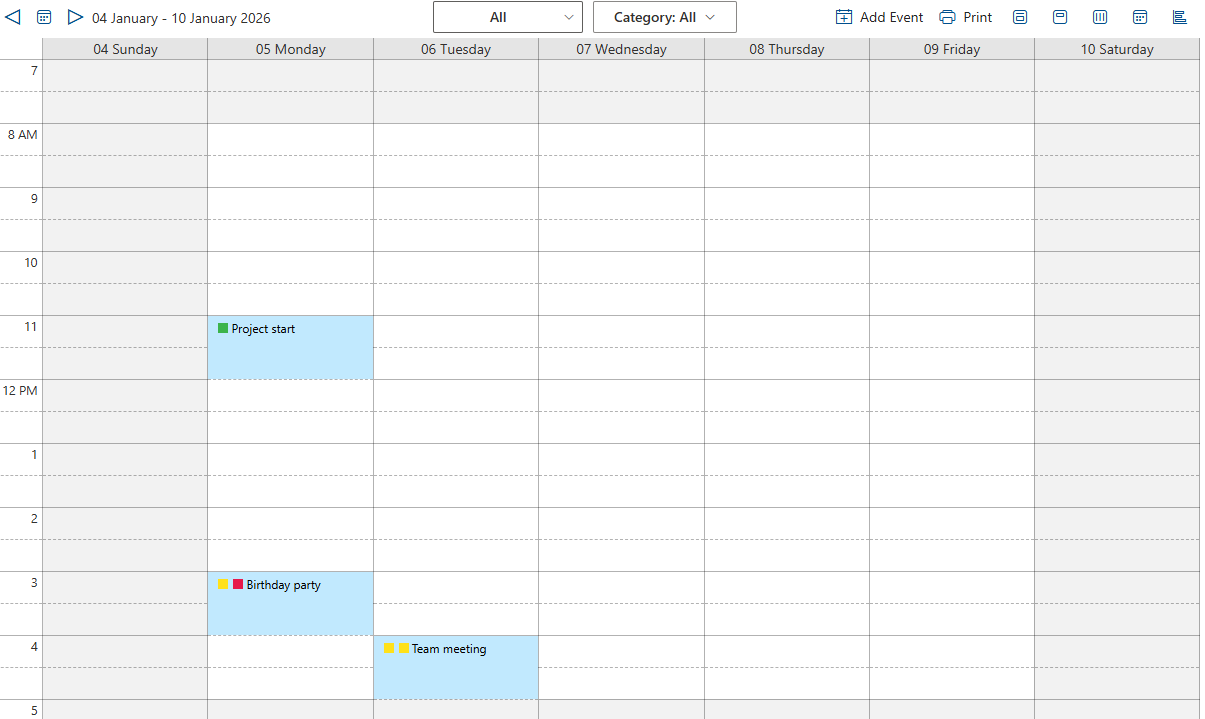
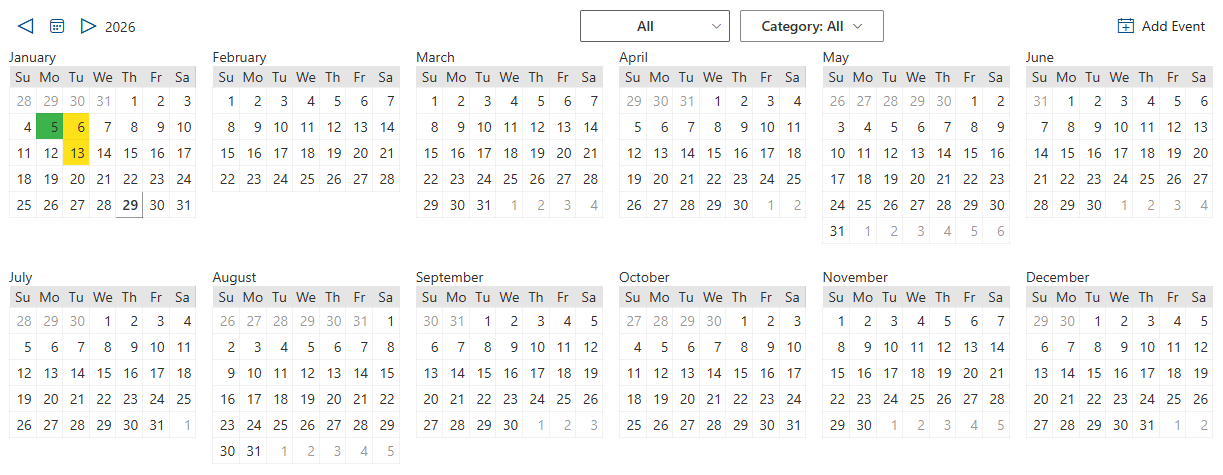
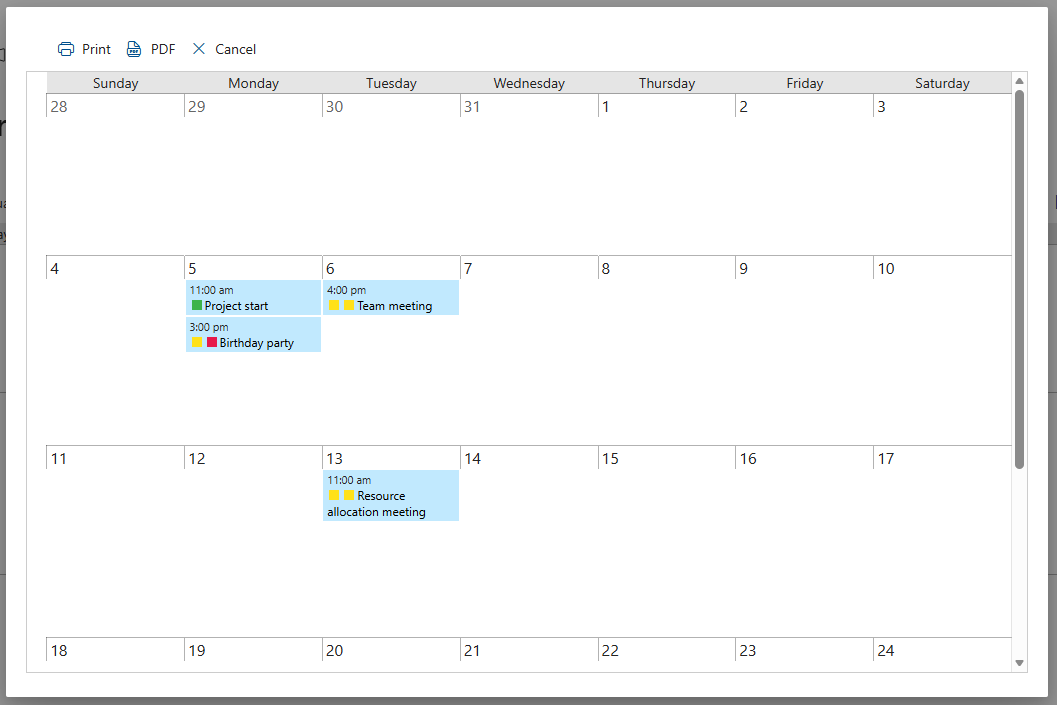
Eight view types cover every horizon: daily, weekly, and monthly for operations, a Compact view designed for crowded homepages, and quarterly, half-yearly, and yearly views for planning, the perspective native calendars simply do not offer. The integrated Gantt view turns the same data into a timeline, and with Print, any calendar or Gantt view becomes a printable document.Show the details that matter
Define custom event title patterns, combining fields so events read the way your team needs. Additional columns appear on mouse-over, saving the click into each item. Filter the display by data source, category, or any SharePoint view, so one configured calendar serves many audiences. Where Associated Items is used, tasks attached to events display graphically and are managed directly from the calendar.Compared with Native SharePoint
| Ultimate Forms | Native SharePoint | |
|---|---|---|
| Combine multiple data sources on one calendar view | ✓ |
|
| Connect to SharePoint lists, Exchange calendars and custom databases | ✓ |
✓
|
| Shows events in daily, weekly and monthly view | ✓ |
✓
|
| Shows events in compact monthly, quarterly, half-yearly and yearly view | ✓ |
|
| Customizable event title field, including field combination | ✓ |
|
| Color-coding of events by data source and category | ✓ |
|
| Presents event title, start hour and location | ✓ |
✓
|
| Shows additional fields on mouse hover | ✓ |
|
| Integrated Gantt view | ✓ |
|
| Can be placed on any web part page | ✓ |
|
| Supports Associated Tasks (if installed) | ✓ |
|
| Supports any database using ODBC | ✓ |
|
| Supports MS Exchange calendars, including older versions | ✓ |
|
| New events can be created in any data source directly from the calendar | ✓ |
|
| Cross-browser support | ✓ |
|
| Localization into English, French, German and Spanish | ✓ |
✓
|
Where teams use it
A company-wide leave calendar built on the Leave Request template, colored by department. Room and equipment bookings from the reservation template beside team Exchange calendars. Project milestones and deadlines across sites in one quarterly view for leadership. Training sessions, maintenance windows, and marketing launches, each a different source, one calendar. Many of the 450+ templates in the Solution Catalog include configured calendar views.Frequently asked questions
Q: Can I combine multiple calendars into one view in SharePoint?
A: Yes. Calendar overlays any number of sources, including SharePoint lists from different sites, Exchange calendars, and ODBC databases, on a single color-coded view.
Q: Can I show Exchange calendars on a SharePoint page?
A: Yes. Both private and public Exchange calendars can be displayed alongside SharePoint data, including calendars from older Exchange versions.
Q: Can SharePoint calendar events be color-coded by category?
A: Yes. Events are colored by source, category, or status, with the color filling the event or shown as an icon, configured without code.
Q: Is there a yearly or quarterly calendar view for SharePoint?
A: Yes. Eight view types include compact monthly, quarterly, half-yearly, and full-year views, alongside daily, weekly, and monthly.
Q: Can users create events from the combined calendar?
A: Yes. New events can be created directly into any connected data source from the calendar itself.
Q: Does it include a Gantt view?
A: Yes. An integrated Gantt view presents the same data as a timeline, and calendar and Gantt views can be printed with Ultimate Forms Print.
Screenshots