Forms
Actions
Alerts
Associated Items
Connected Lookup
Print
Import
Signature
External Data Lookup
Calendar
Rollups
Charts
Counters
List Search
Filters
Item IDs
Color Choice
User Property
Document Link
Voting
Stay in the know
Get helpful videos
Look up SQL, Oracle, and web service records directly in SharePoint forms. No BDC, no external lists, no code: configured entirely in the browser.

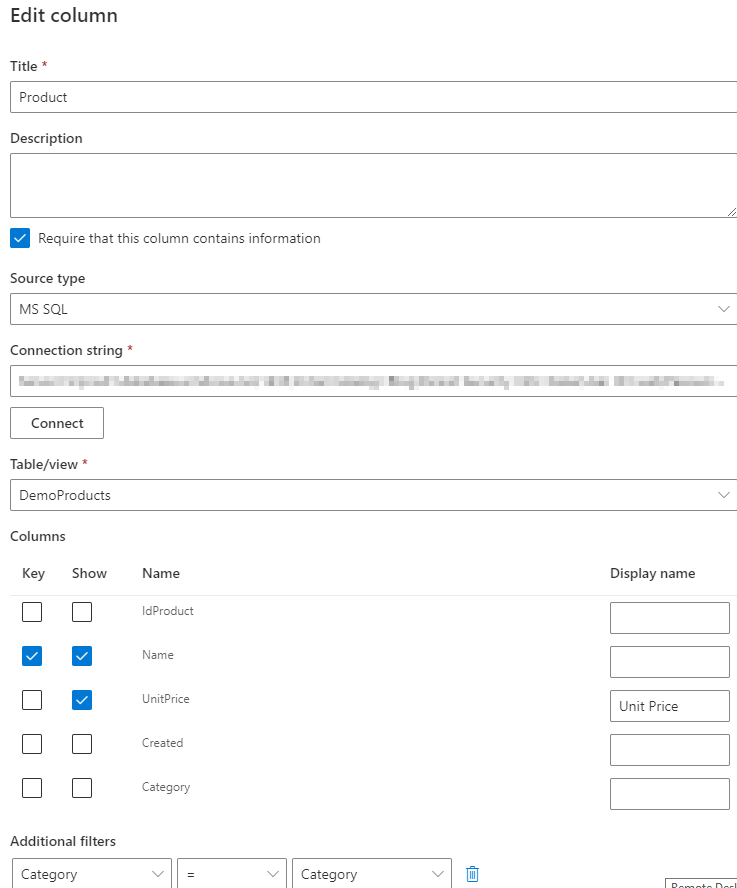
Ultimate Forms: External Data Lookup looks up live records from external systems: MS SQL, Oracle, OLE DB, and ODBC databases, SOAP and REST web services, and any data connection configured in Ultimate Forms. Users pick the customer, product, or account from a dropdown, and the fields you chose flow into the item, stored as a snapshot of the data at that moment. Setup happens entirely in the browser as a column definition, with no BDC, no external lists, and no code.
The record your form needs already exists in another system. This column reaches over and gets it.
The retyping tax, and the BDC toll
When the customer master lives in SQL and the request form lives in SharePoint, organizations pay one of two prices. Either users retype the data, with all the typos and stale values that follow, or IT builds the connection through Business Connectivity Services and external lists: a project with secure store configuration, permissions, and a maintenance burden that has outlived its welcome on modern SharePoint.External Data Lookup removes both. The connection lives inside the column definition, configured from the browser in minutes, and users get a lookup that behaves like any other, except its values come from the system of record.
What External Data Lookup can do
Connect to what you already run
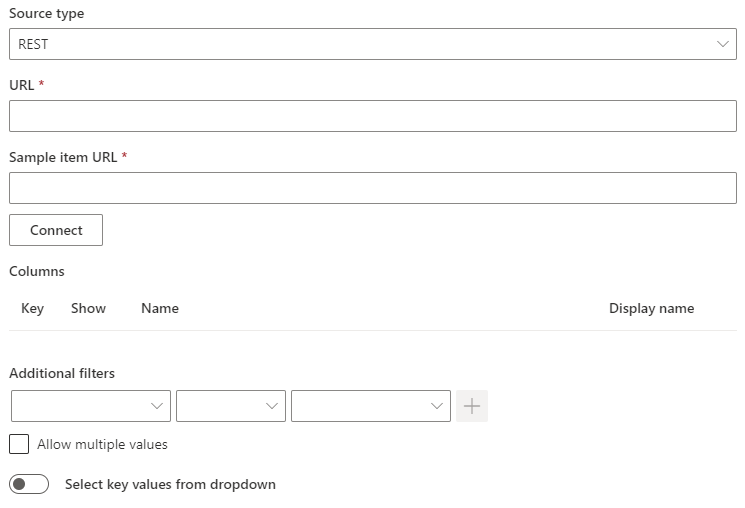
Native support for MS SQL, Oracle, OLE DB, and ODBC databases plus SOAP and REST web services covers the systems where business data actually lives: the ERP, the CRM, the billing platform. It also consumes data connections defined in Ultimate Forms, extending the same lookup experience to sources like Salesforce and Dataverse through platform-wide integration.Give users a lookup, not a login
Selection works like a familiar dropdown, with search by leading characters for long lists and manual entry where appropriate, single or multiple items. Results can be filtered by the current item's own column values, so choosing a customer narrows the contract dropdown to that customer's contracts, cascading against external data the way Connected Lookup cascades within SharePoint.Bring exactly the fields you need
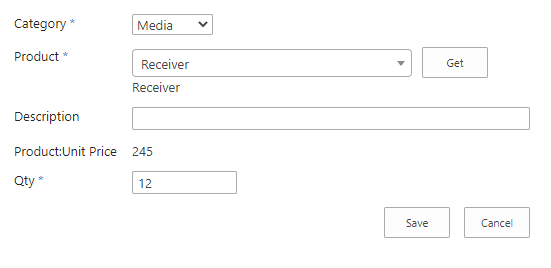
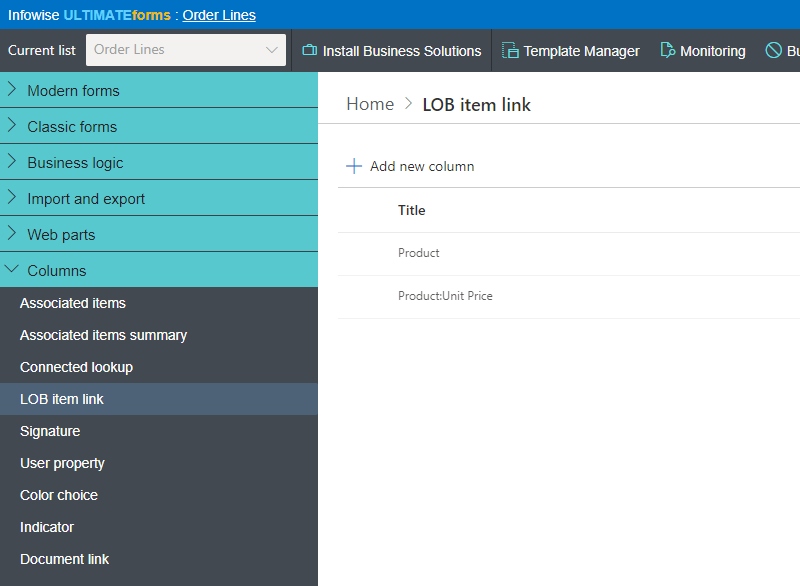
One selection can retrieve as many fields as you like: pick the product and its price, SKU, and category arrive with it. Store them together in one column or split them across separate SharePoint columns, ready for views, rules, and reports, and map technical field names to friendly display names users understand.Keep the moment, not the moving target
Retrieved values are stored as they appeared at the time of the lookup. When the external record changes later, your SharePoint item keeps the snapshot, unless you deliberately refresh it. That is precisely what business records require: the order stores the price the customer was actually quoted, not whatever the price table says today. When you need continuous mirroring instead of snapshots, Import handles scheduled synchronization.Compared with Native SharePoint
| Ultimate Forms | Native SharePoint | |
|---|---|---|
| Connection info stored in column definition | ✓ |
|
| External item selection by lookup or manual entry | ✓ |
|
| Filter external items according to current item's column values | ✓ |
|
| Snapshot of data at time of entry | ✓ |
|
| Support for Web Services, MS SQL, Oracle native driver, OLE DB and ODBC | ✓ |
|
| Split external fields into multiple SharePoint columns | ✓ |
|
| Single and multiple items links | ✓ |
|
| Search of keys based on first characters | ✓ |
|
| Friendly name mapping | ✓ |
|
| Localized into English, French, Spanish and German | ✓ |
✓
|
Where teams use it
Quote forms pulling customers and price lists from the ERP, as in the Sales Quote Generator. Support tickets referencing account records from the CRM. Purchase requests validating vendors against the finance database. Maintenance requests linking equipment from the asset system. Combined with Forms rules, the looked-up values can drive visibility, validation, and calculations across the rest of the form.Frequently asked questions
Q: Can a SharePoint form look up data from a SQL database?
A: Yes. External Data Lookup connects SharePoint forms to MS SQL, Oracle, OLE DB, and ODBC databases, letting users select records from a dropdown with chosen fields retrieved into the item.
Q: Do I need BDC or external lists to set this up?
A: No. The connection is defined inside the column settings, entirely in the browser. No Business Connectivity Services, no external content types, no code.
Q: Does SharePoint data change when the external record changes?
A: No. Values are stored as a snapshot from the time of retrieval and stay unchanged unless you deliberately fetch again, preserving point-in-time accuracy for orders, quotes, and audits.
Q: Can the lookup be filtered by other fields on the form?
A: Yes. External results can be filtered by the current item's column values, enabling cascading selection against external data.
Q: Can one lookup retrieve multiple fields?
A: Yes. Any number of fields can come back with a single selection, stored in one column or split across several, with friendly display names.
Q: Which web services are supported?
A: Both SOAP-based and REST-based services, alongside direct database connections and Ultimate Forms data connections to platforms such as Salesforce and Dataverse.
Screenshots