Forms
Actions
Alerts
Associated Items
Connected Lookup
Print
Import
Signature
External Data Lookup
Calendar
Rollups
Charts
Counters
List Search
Filters
Item IDs
Color Choice
User Property
Document Link
Voting
Stay in the know
Get helpful videos
Generate documents from SharePoint data: print, PDF, Word, and Excel in one click, Word template filling, barcodes, and automated output. No code.
Ultimate Forms: Print generates finished documents from SharePoint data in one click: print a list item, convert it to PDF, Word, or Excel, or email it to anyone, using templates you define once. It fills Microsoft Word templates with live list data, produces fillable PDFs, prints barcodes and QR codes, and pairs with Actions to generate and send documents automatically. The copy-paste ritual between SharePoint and Word ends here.
Every business process finishes with a document. This is the component that makes the document a byproduct instead of a chore.
The last mile of every process
The data is complete in the list; the deliverable is a formatted document. So someone copies values into Word, fixes the formatting, strips the links, saves as PDF, attaches it to an email, and repeats the whole ritual tomorrow. Every manual step is a chance for a stale value or a missed field, and the result never looks quite the same twice.Print closes that gap: the document is generated from the record, so it is always current, always complete, and always formatted identically.
What Print can do
One click from record to output
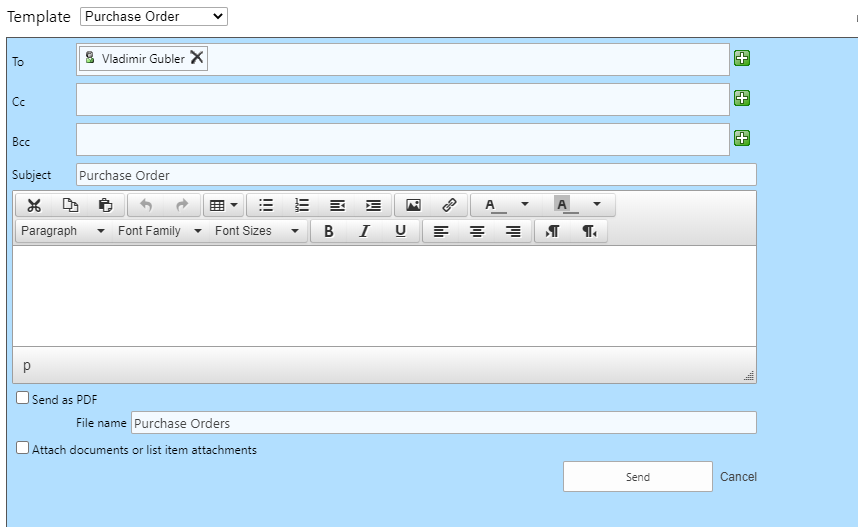
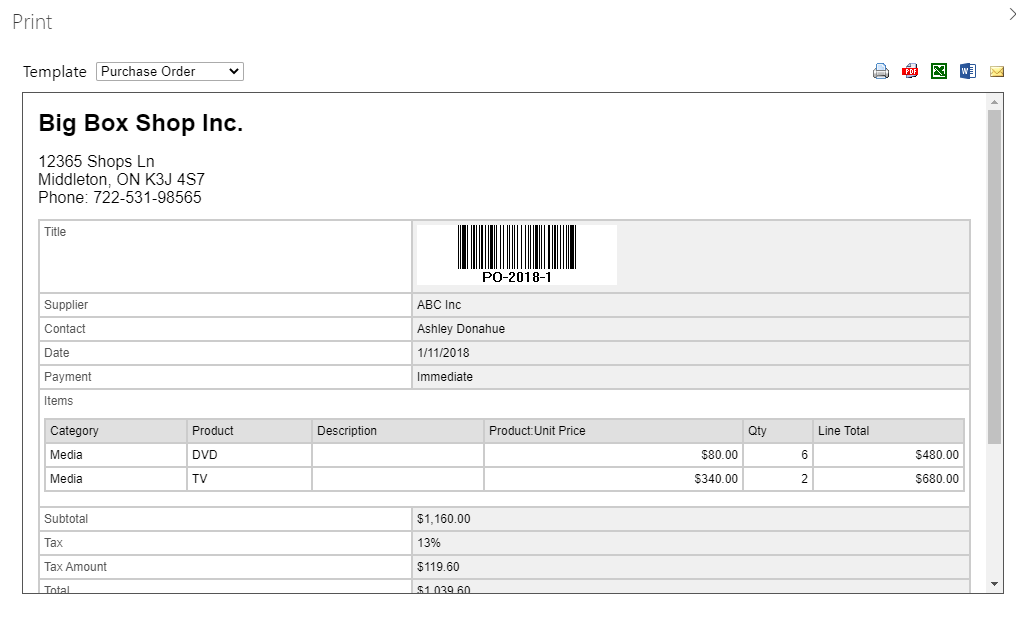
Print, convert to PDF, or email directly from lists and items, single or multiple at once, with full integration into SharePoint menus. Printer-friendly views generate automatically. Email goes to any recipient, internal or external, straight from the list. Nothing to install; it is 100% web-based.Templates that match the document, not the list
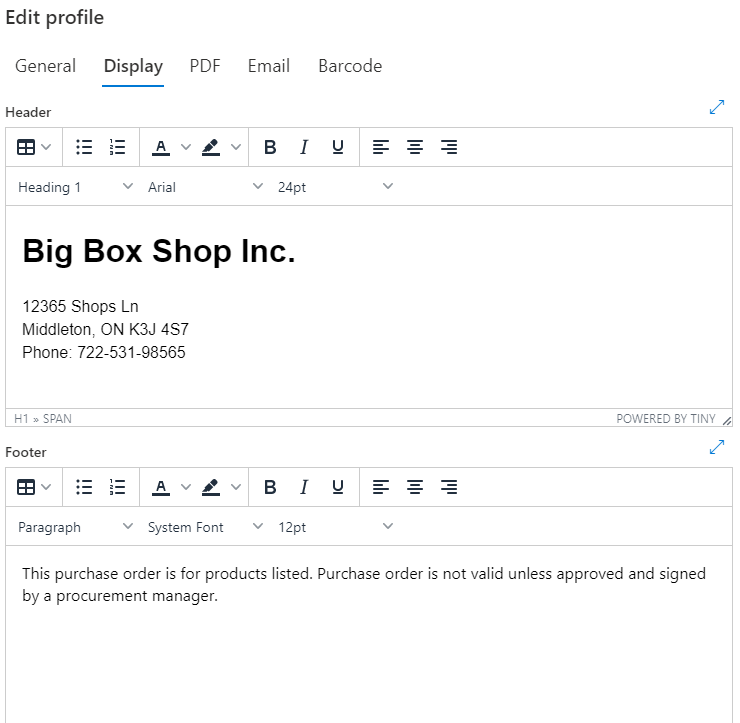
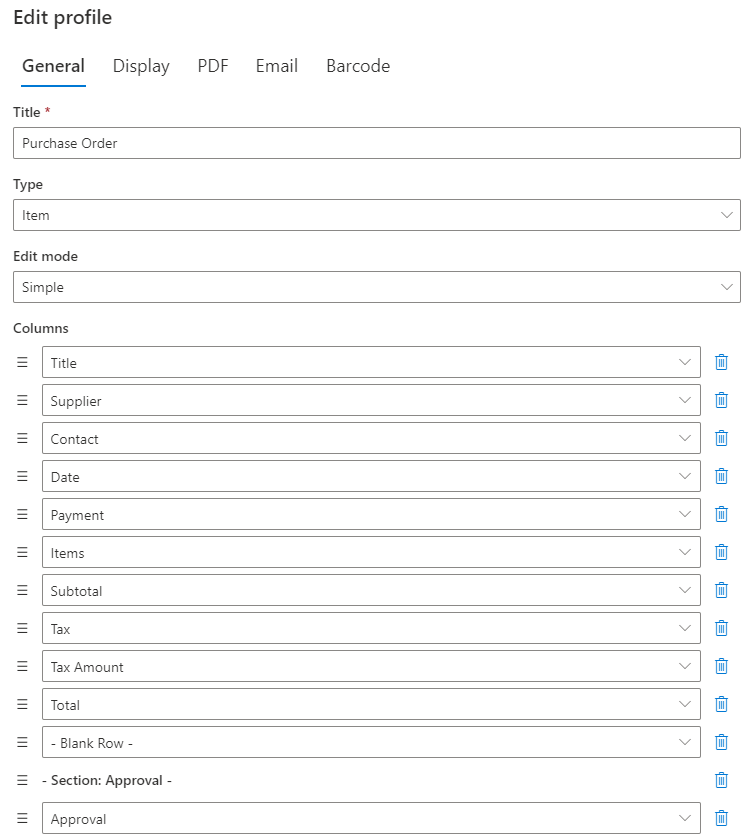
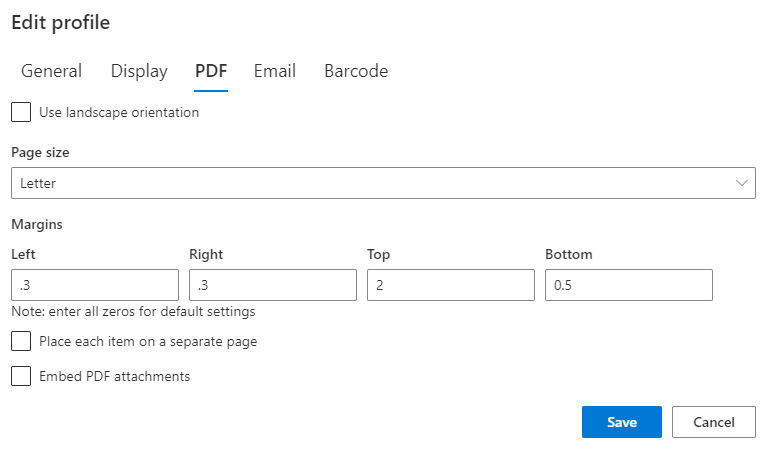
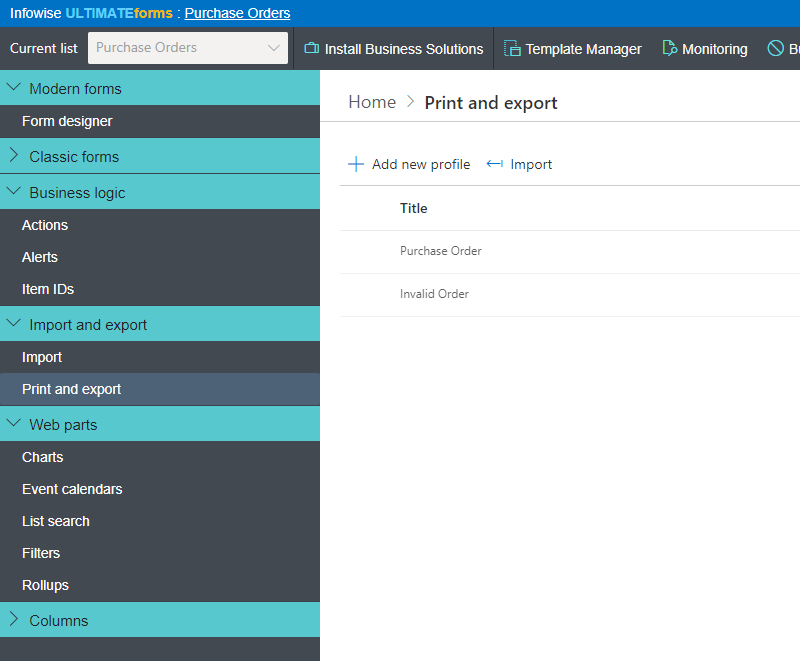
Define unlimited print templates specifying exactly the columns, headers, footers, section headings, and page breaks each document type needs, with graphics and tokens in headers and footers, configurable page size, margins, and orientation, and regular or high-contrast themes. Advanced mode gives precise layout control when the document demands it. Best of all, the right template can select itself automatically based on item values, so an approved order prints differently from a draft without anyone choosing.Fill Word templates, generate fillable PDFs
Design the document in Microsoft Word, exactly as your brand requires, and Print fills it with list data: contracts, certificates, offer letters, packing slips. Or generate fillable PDFs when the output itself needs to collect information. This is the capability behind one-click document generation from SharePoint.Print what ordinary lists cannot
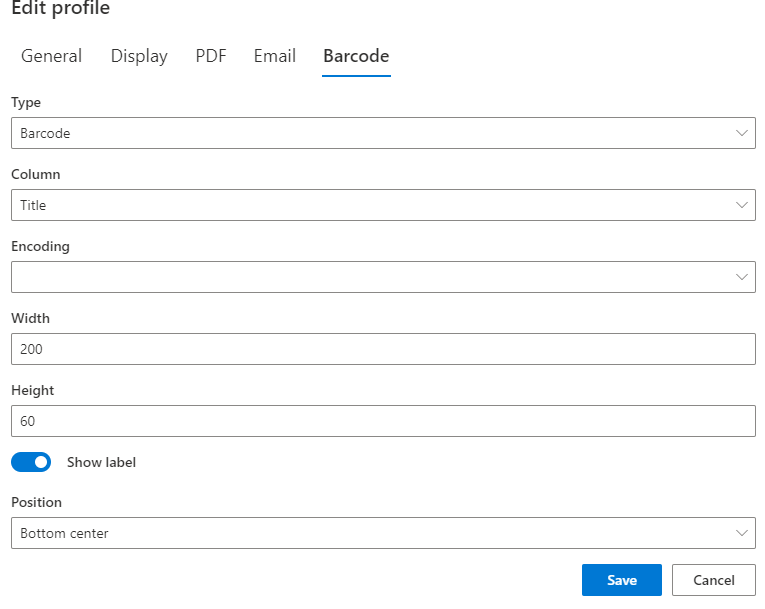
Output barcodes and QR codes for labels, assets, and check-in flows. Print calendar and Gantt views in seven layout types with Calendar.Automate the paperwork entirely
Combined with Actions, documents generate themselves: the packing slip is created and emailed when the shipment is dispatched, the approval summary lands in the archive the moment the process completes, the certificate goes out when training is passed. No human in the loop, the generated file arrives as an email attachment.Compared with Native SharePoint
| Ultimate Forms | Native SharePoint | |
|---|---|---|
| Printer-friendly view of your lists and list items | ✓ |
|
| Export to PDF, Excel or to Word with a click | ✓ |
|
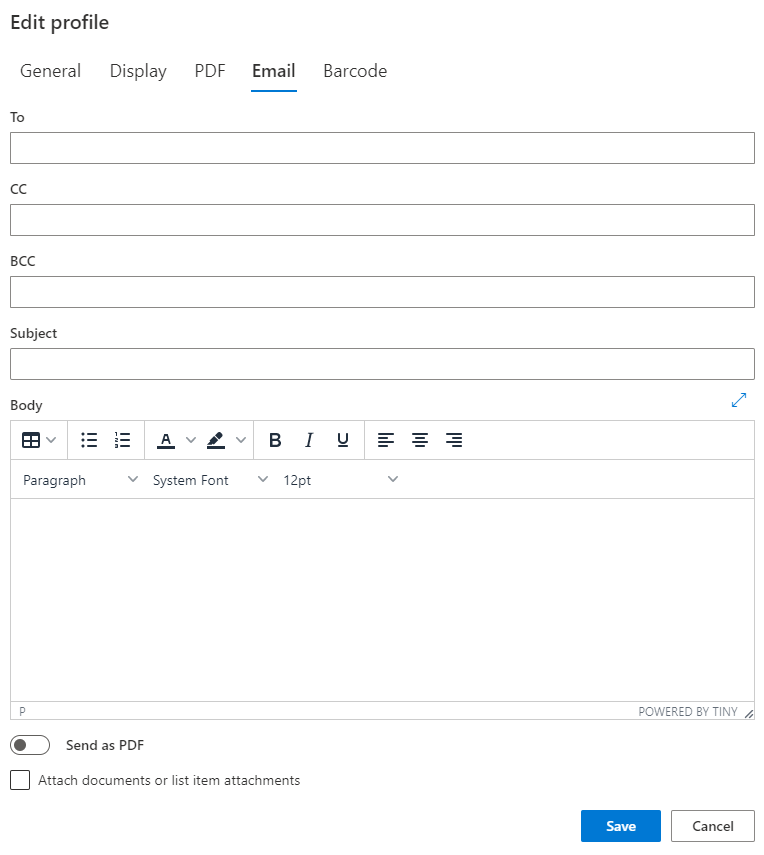
| Email data with a click | ✓ |
|
| Email to any user, internal or external | ✓ |
|
| Custom headers and footers, allowing text, graphics and tokens | ✓ |
|
| Unlimited user-defined templates | ✓ |
|
| Simple and advanced mode template editing | ✓ |
|
| Column permissions with Ultimate Forms: Forms | ✓ |
|
| Calendar and Gantt printing with Ultimate Forms: Calendar | ✓ |
|
| UI integration in menus and ribbons | ✓ |
|
| Prints both individual items and lists | ✓ |
|
| Prints barcodes and QR codes | ✓ |
|
| Automated printing, emailing and PDF conversion with Ultimate Forms: Actions | ✓ |
|
| Automatically select template based on item data | ✓ |
|
| 100% web-based, no client installation | ✓ |
|
| Localized into English, French, Spanish and German | ✓ |
✓
|
Where teams use it
Sales quotes as branded PDFs from the Sales Quote Generator. Packing slips in Shipment Management. Employment letters, inspection reports, invoice summaries, asset labels with QR codes. Across the 450+ templates in the Solution Catalog, Print is the component that turns process completion into a deliverable.Frequently asked questions
Q: Can I generate a Word document from SharePoint list data?
A: Yes. Design a template in Microsoft Word and Print fills it with live list data, producing consistent, fully formatted documents in one click or automatically.
Q: Can I convert a SharePoint list item to PDF?
A: Yes. Items and lists convert to PDF with configurable page size, margins, and orientation, using your defined templates, and can be emailed in the same step.
Q: Can documents be generated automatically, without clicking?
A: Yes. Paired with Actions, documents generate and send on any trigger: item created, status changed, date reached, or on a schedule.
Q: Can I print barcodes or QR codes from SharePoint?
A: Yes. Print outputs multiple barcode types and QR codes, ideal for asset labels and check-in scenarios.
Q: Can different items use different print layouts?
A: Yes. Templates are unlimited, and the correct template can be selected automatically based on the item's own values.
Q: Do recipients need SharePoint access to receive documents?
A: No. Generated documents can be emailed to any address, internal or external, directly from the list.
Screenshots